GUIDE
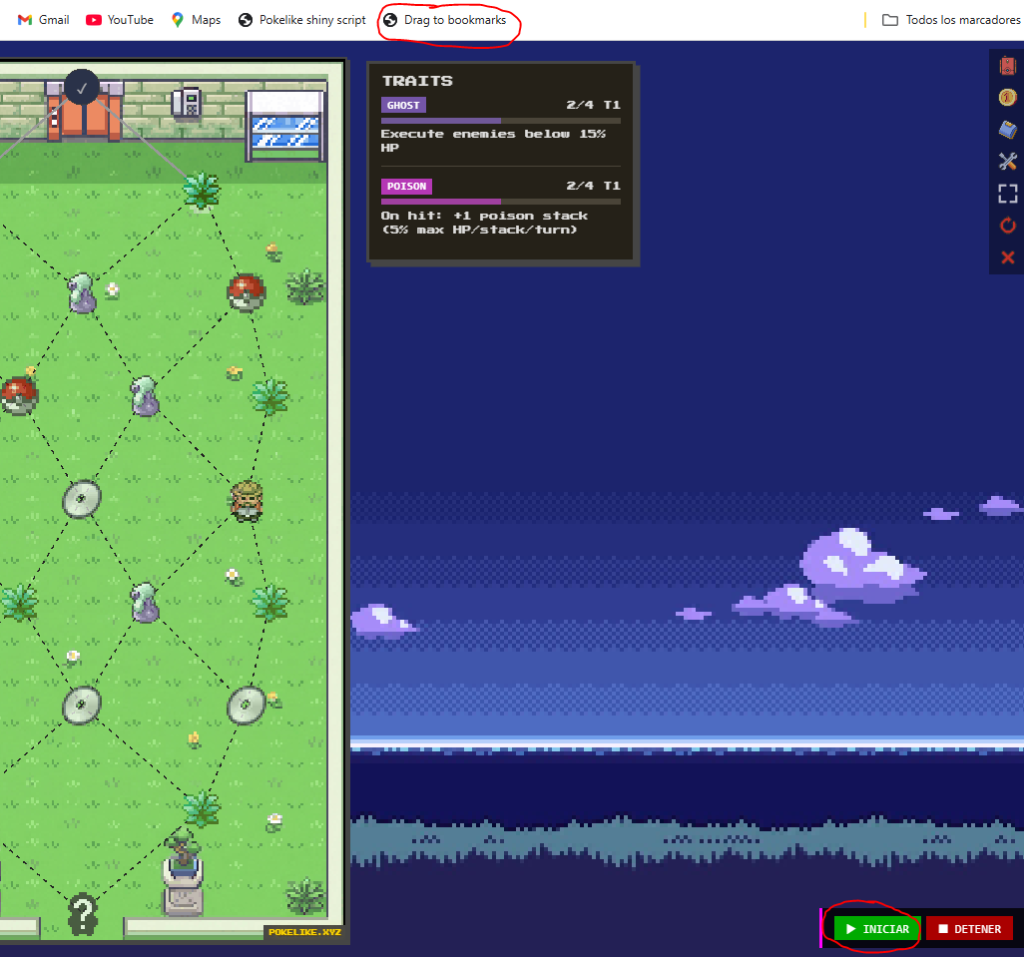
With the link below, you need to drag it to your browser’s bookmarks bar. In the bookmark manager, you can change the name. If you add it and it redirects you to the clear cookies page, it should work.
📌 Drag this link to your bookmarks bar:
🎯 Drag to bookmarks
👆 Drag it from here to your bookmarks bar
Then go to pokelike.xyz → R1 → click the bookmark → START
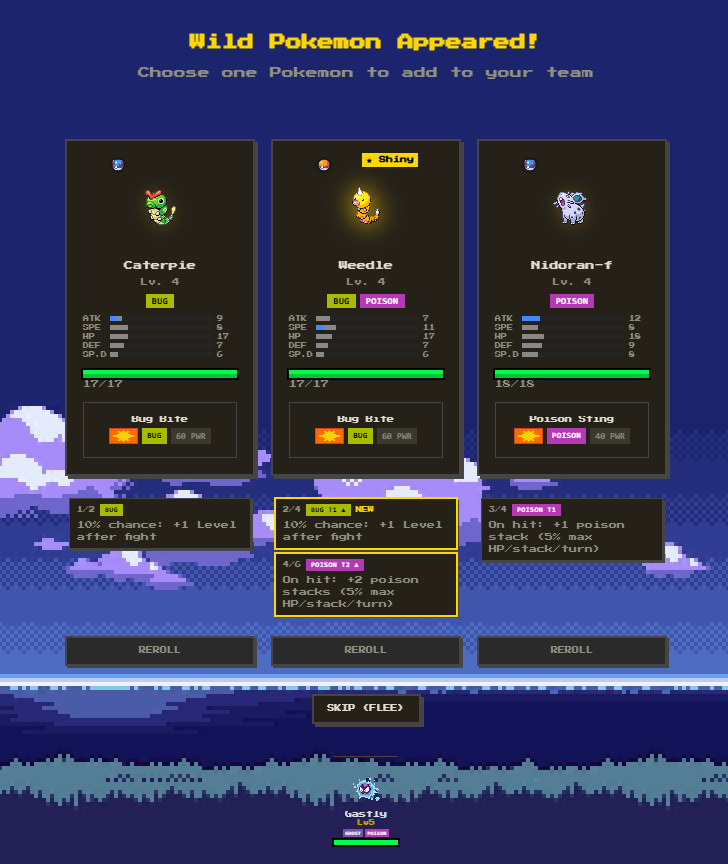
Once we have the bookmark, we need to go to Pokélike and start a run. It doesn’t matter if it’s normal mode or Battle Tower. When we are on R1, we click on the bookmark, and a tab will appear at the bottom right. To start, we have to click the green button that says ‘Start’, and once we click it, it will search for shinies.